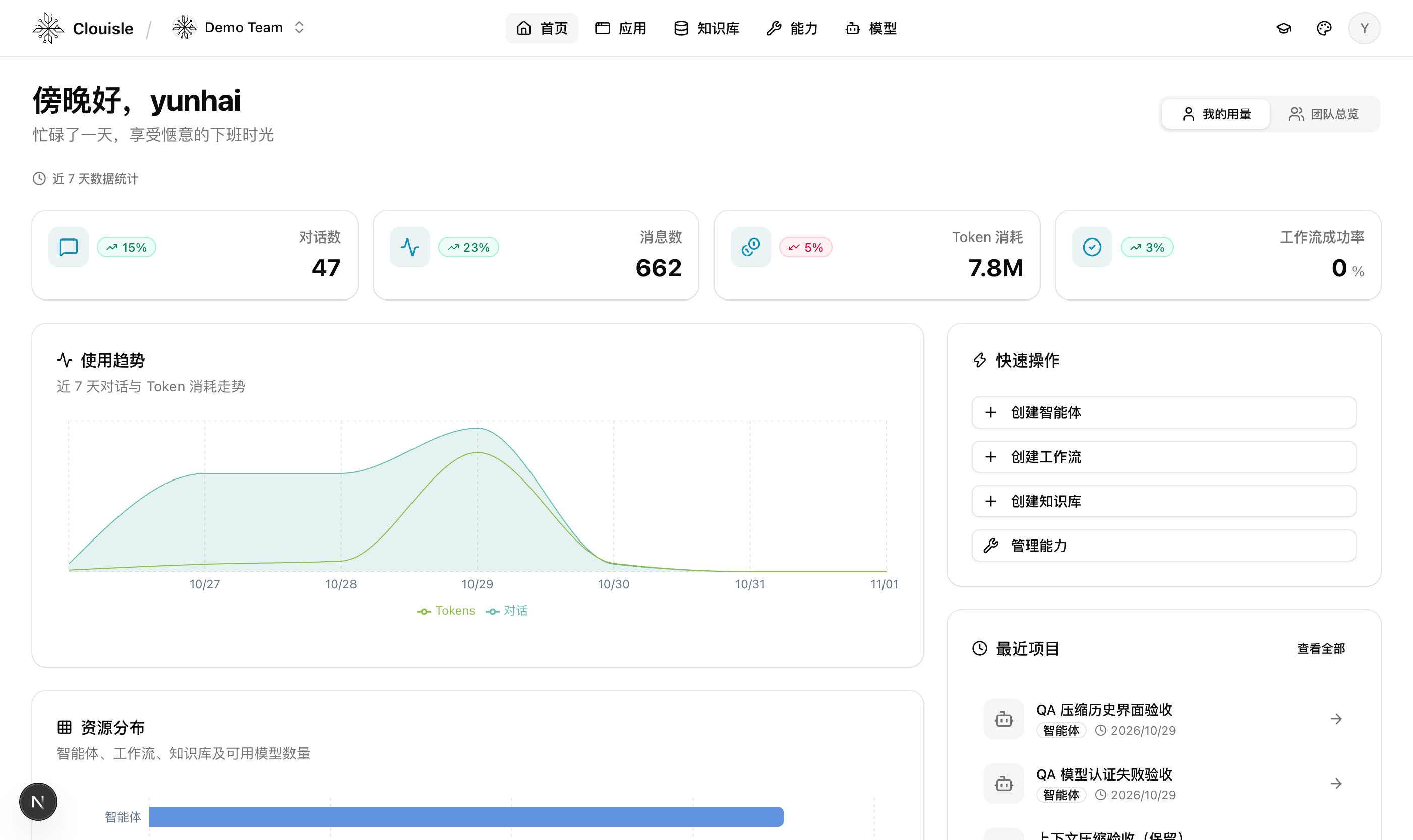
Version 0.3.0 brings agents closer to everyday work: chat with them in WeChat or Feishu, and collect content received in WeChat into a knowledge base. It also improves context handling for long conversations and gives administrators clearer tools for approvals, search, and monitoring.
Chat and collect knowledge in WeChat
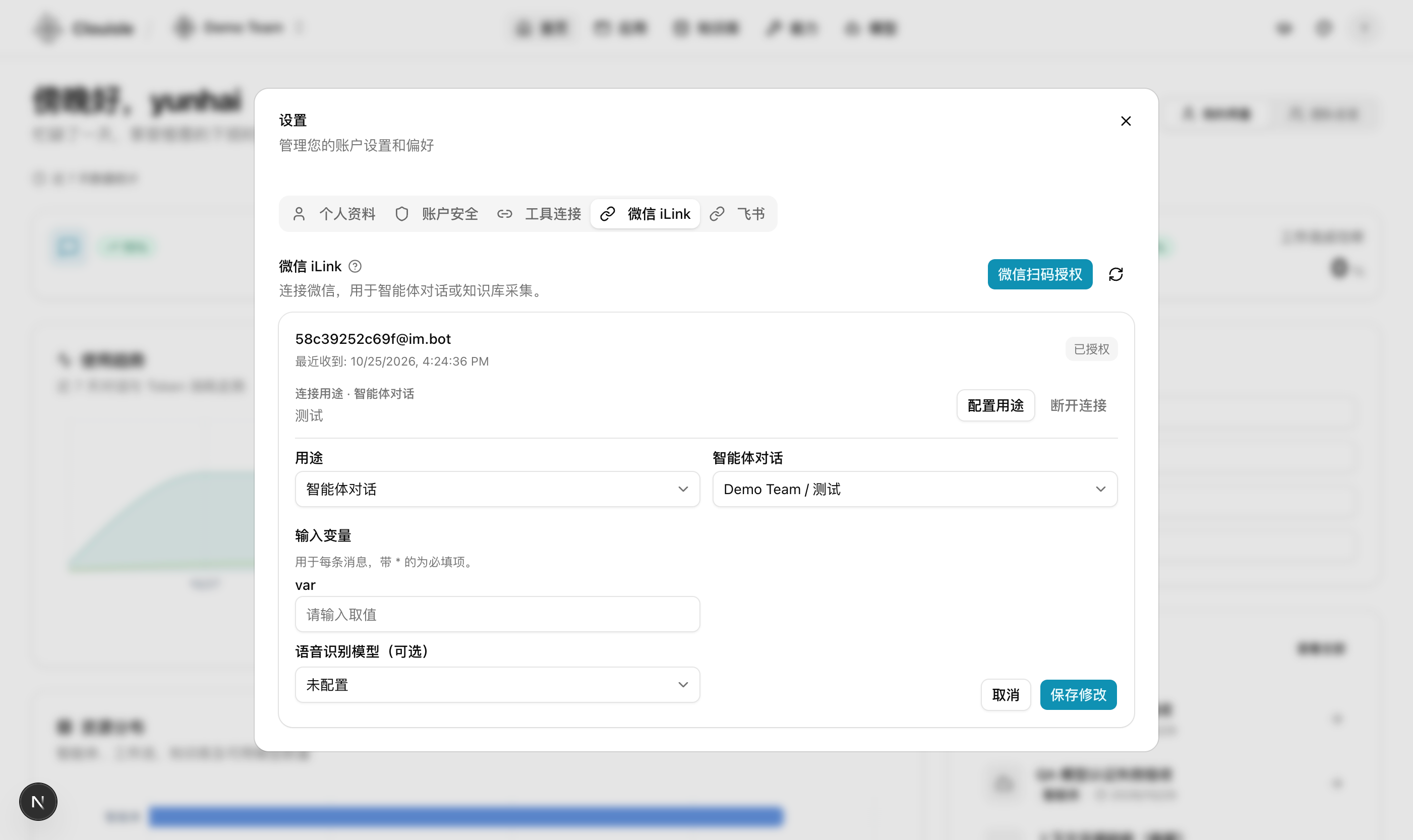
Personal settings now include WeChat iLink. After authorizing a connection with a QR code, choose a purpose: chat with one agent or collect content into a knowledge base. You can also leave a connection unused. Authorization and purpose settings are separate, so disabling collection does not disconnect it.
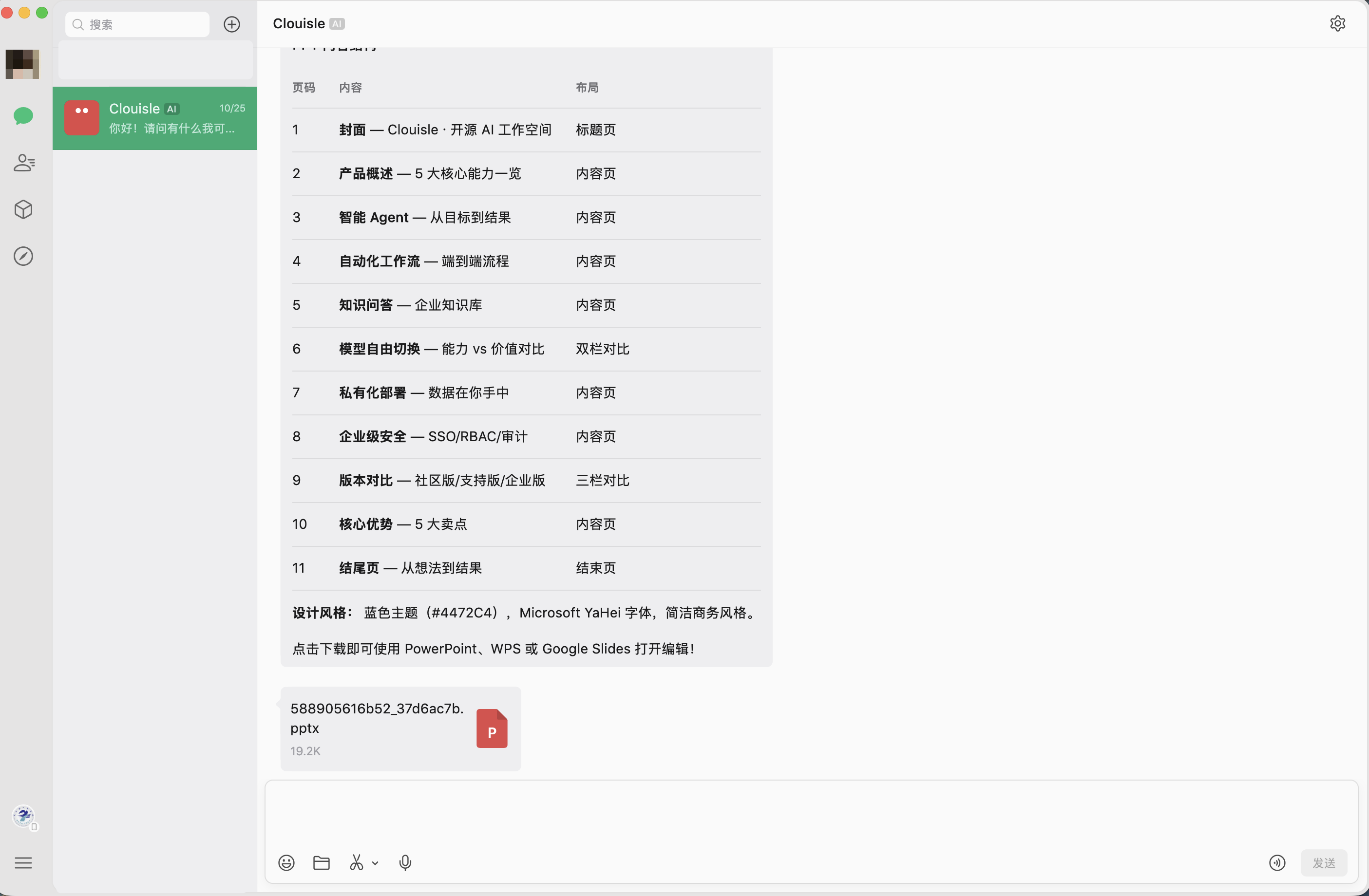
In agent chat, send text, images, files, voice, and video, and receive generated images, videos, and files. Use /agents (or /智能体) to see available agents and /use <number> (or /使用 <编号>) to switch. Each agent keeps its own conversation, and switching is unavailable while an agent is busy.
Knowledge collection supports text, links, and documents; image, audio, and video extraction is subject to team authorization. Original file types, names, and downloads are preserved, and extraction or indexing failures are shown explicitly. Native article cards and delivery to real accounts remain dependent on upstream capabilities.
Feishu connections and personal settings
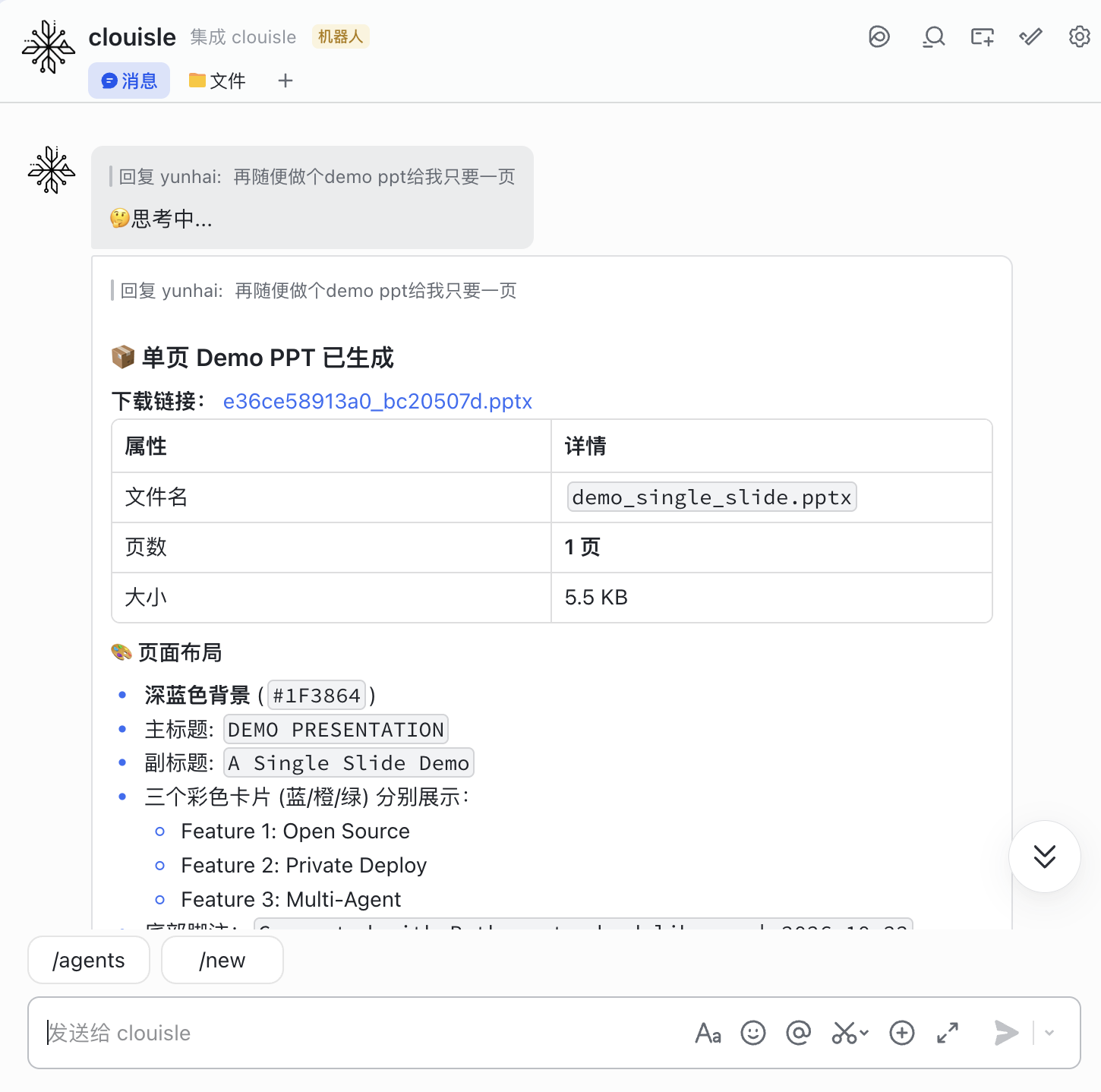
Existing Agent queue workers now manage Feishu long connections automatically, without a separate receiver service; HTTP callbacks remain supported. In personal settings, choose the replying agent and pause or resume Feishu agent chat without affecting other users. Final replies use interactive cards with Markdown support.
A bilingual setup checklist covers private-message permissions, identity permissions, event subscriptions, and app publication and approval. A connected long connection does not by itself mean messaging permissions are ready. Existing accounts can also bind a Feishu identity under account security.
Administrators can independently enable WeChat agent chat and knowledge collection in site integrations. Disabling a feature pauses its processing and unsent replies without deleting durable state.
More room for long conversations
As context grows, agents progressively compact conversation history and completed tool results to make room for the task ahead. Original records remain available for authorized paginated readback. Large tool catalogs are also discovered and loaded on demand, reducing the overhead of tool definitions sent to the model.
Across approval pauses, context overflow retries, and reconnections, the system restores verified checkpoints and preserves user instructions and recoverable tool results. Compression notices in chat are more concise, while diagnostic information remains available to administrators.
Tool approvals and web search
The new Tool Approvals tab in team management brings accessible tools together in one place. Set a default approval decision on each tool, with exact-operation overrides for MCP tools. Approvals, rejections, and policy changes produce audit events without recording tool parameters, credentials, or reviewer reasons.
Approval is now configured on the tool definition and evaluated with the agent binding switch. Workflow tool calls do not create approval gates; non-interactive entry points such as embeds, legacy channels, and scheduled calls fail closed when confirmation is required.
Web search is now managed centrally in site settings, with support for Tavily, Bocha, DeepSeek, and SearXNG. Administrators can enable providers, choose a default, and save encrypted credentials. Agents and workflows can choose only site-enabled engines, and a failed search will not silently switch providers.
A clearer view of platform health
The rebuilt observability console has six views for run outcomes, on-demand traces, model, tool and retrieval dependencies, queues, infrastructure, and alerts. Tool and knowledge retrieval success rates, latency, and traces help locate problems. Traces have a size limit and show when they are truncated; historical runs are not backfilled.
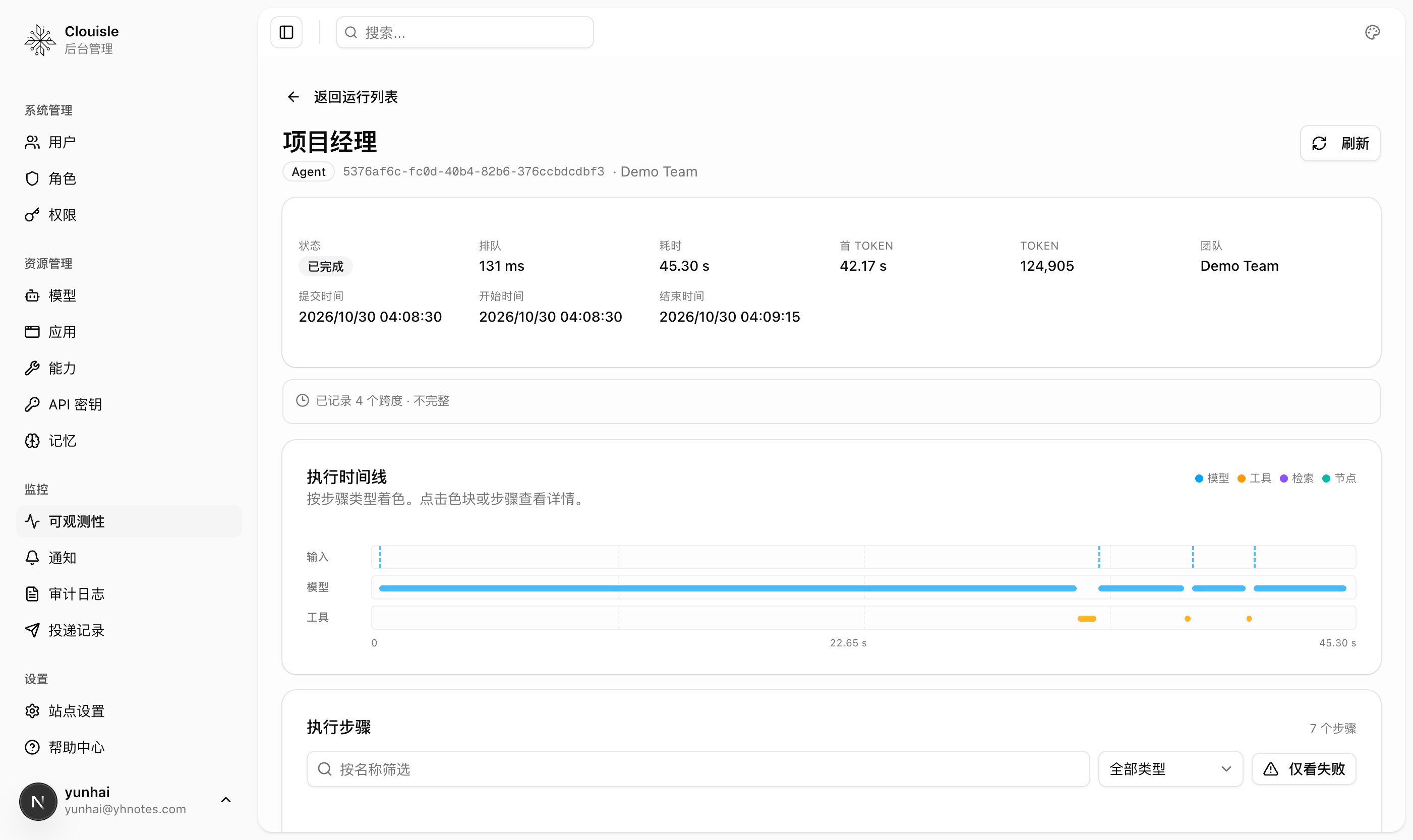
The infrastructure view adds connectivity and latency checks for PostgreSQL, Redis, Celery, and Qdrant, along with status for instances across backends. Observability and the dashboard also gain date-range selection for reviewing trends and statistics over time.
A new Delivery log brings outbound results for channels such as WeChat and Feishu together. Search by provider, status, run ID, or file name, and see provider errors directly when delivery fails.
File previews, memory, and workflows
- Conversation artifacts now appear in a unified file list with authenticated downloads and previews for common document, media, and code formats. DOCX gains thumbnails, page synchronization, and zoom; PDF and spreadsheets also get read-only preview controls.
- Administrators can configure the model, cooldown, and trigger conditions for background memory extraction. The new
get_memory_subgraphtool retrieves memories through their relationships. - The TypeSafe AI decision model and new Decision workflow node can route on typed answers or scores, with an optional confidence threshold and fallback branch.
- Workflow tool nodes convert numbers, booleans, and JSON according to declared types. Invalid values fail the node instead of reaching the tool with an incompatible type.
Sandbox and upgrade notes
The sandbox gains an exact-hostname egress allowlist, task lifecycle audit events, worker readiness checks, and session recovery. Workspaces and checkpoints stay on the worker's local node storage: checkpointed data can be restored when a process is replaced on the same node, but not after permanent node or disk loss. Access to generated media and sandbox artifacts is also protected by scope-aware authorization.
Upgrade the API and workers together. WeChat and Feishu delivery records migrate to a shared queue, and the old delivery tables are removed after migration. WeChat agents also require a separately deployed Sandbox Worker to use tools.
yunhaiThe Clouisle Team