 Clouisle
Clouisle Feature Manual
Quickly understand Clouisle's capability boundaries, implementation methods, and recommended reading path through a unified operating manual structure.
Documentation Overview
This documentation set is not a product marketing page. It is an operating manual for actual users, implementation staff, and administrators. Each page answers 6 questions:
- What this feature is
- Which scenarios it is suitable for
- What you need to prepare before using it
- How to operate it step by step
- How to verify the result after completing the operation
- What to pay attention to during use
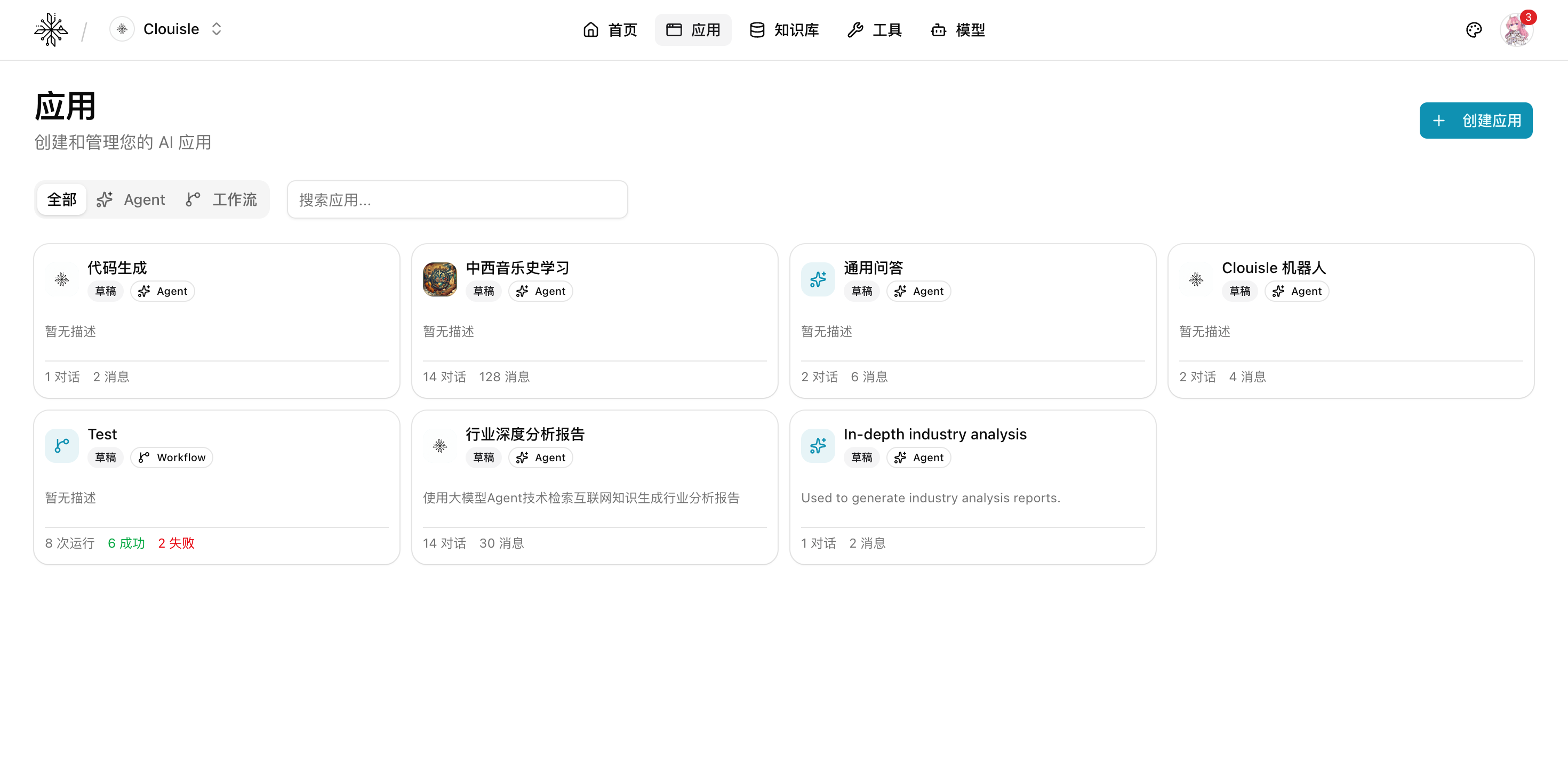
What Problems Clouisle Can Solve
Clouisle is used to organize models, knowledge bases, tools, workflows, and platform governance capabilities into a sustainable AI system. It does not only solve "making the model answer questions". It also solves the following more practical tasks:
- Help teams quickly create usable Agents or workflows
- Make answers based on knowledge bases and business systems instead of relying only on model memory
- Give the platform permission, audit, notification, and cost governance capabilities
- Allow business systems to access AI capabilities through API, Webhook, or background tasks
Who Should Read This
Business Users
Focus on Getting Started, Agents and Apps, Knowledge Base, and Conversation and Message Management.
These chapters help you quickly build an AI app that can answer, retrieve, and deliver results.
Implementation Staff
Focus on Workflows, Model Management, Notification Channel Configuration, and Platform-side API.
These chapters pay more attention to integration order, variable design, launch validation, and system linkage.
Platform Administrators
Focus on System Administration, Roles and Permissions, SSO Configuration, and Audit and Monitoring.
These chapters are responsible for defining platform rules, organizational boundaries, and long-term governance methods.
Recommended Reading Order
If you are using Clouisle for the first time, we recommend reading in this order:
- Start with
Getting Startedto build an overall understanding of the platform Workspace and Admin Console - Then read
Agents and Apps,Knowledge Base, andWorkflowsto understand how core capabilities are combined - Next, read
Models and Tools,Notification System, andUser Memoryto complete the enhanced capabilities - Finally, read
System Administration,Roles and Permissions, andAudit and Monitoringto complete platform governance
How to Use This Documentation Set
To make the documentation truly implementable, we recommend this reading approach:
- First choose a module you plan to implement, such as Agent, knowledge base, or workflow
- Prepare accounts, models, materials, and permissions according to the prerequisites on the page
- Follow the operation steps strictly, and do not modify multiple modules at the same time at the beginning
- After completing each module, verify whether it has truly taken effect according to the result validation section on the page
- If you encounter an exception, then read the notes and
Troubleshootingsection on the corresponding page
The Value of This Documentation Set
If you follow this documentation step by step, what you ultimately gain is not just "knowing what features exist", but also:
- Knowing at which stage each module should be enabled
- Knowing what result each configuration affects
- Knowing what should be verified before launch
- Knowing what should be governed during long-term operation
This is also the most critical difference when Clouisle moves from a trial tool to an official platform.