 Clouisle
Audit and Monitoring
Build an administrator troubleshooting loop in order, through dashboard inspection, audit log accountability, and activity log context enrichment.
Feature Overview
Audit and monitoring makes the platform's operating status, key operations, and abnormal changes visible. It helps administrators answer:
- How the overall platform has been running recently
- Who performed which key operations
- Whether an exception is occasional or systemic
Use Cases
Suitable for:
- Daily administrator inspections
- Troubleshooting login, security, or permission-related exceptions
- Reviewing platform trends and high-risk operations
Prerequisites
Before you start, we recommend confirming:
- The platform has already generated a certain amount of real data
- The audit retention policy has been configured
- Administrators understand the differences between dashboards, audit logs, and activity logs
Steps
Step 1: Check the dashboard first to determine whether the issue is local or global
When an exception occurs, do not immediately dig through logs. First use the dashboard to determine:
- Whether overall platform activity is normal
- Whether certain metrics have suddenly fluctuated
- Whether the exception is a single resource issue or a global trend change
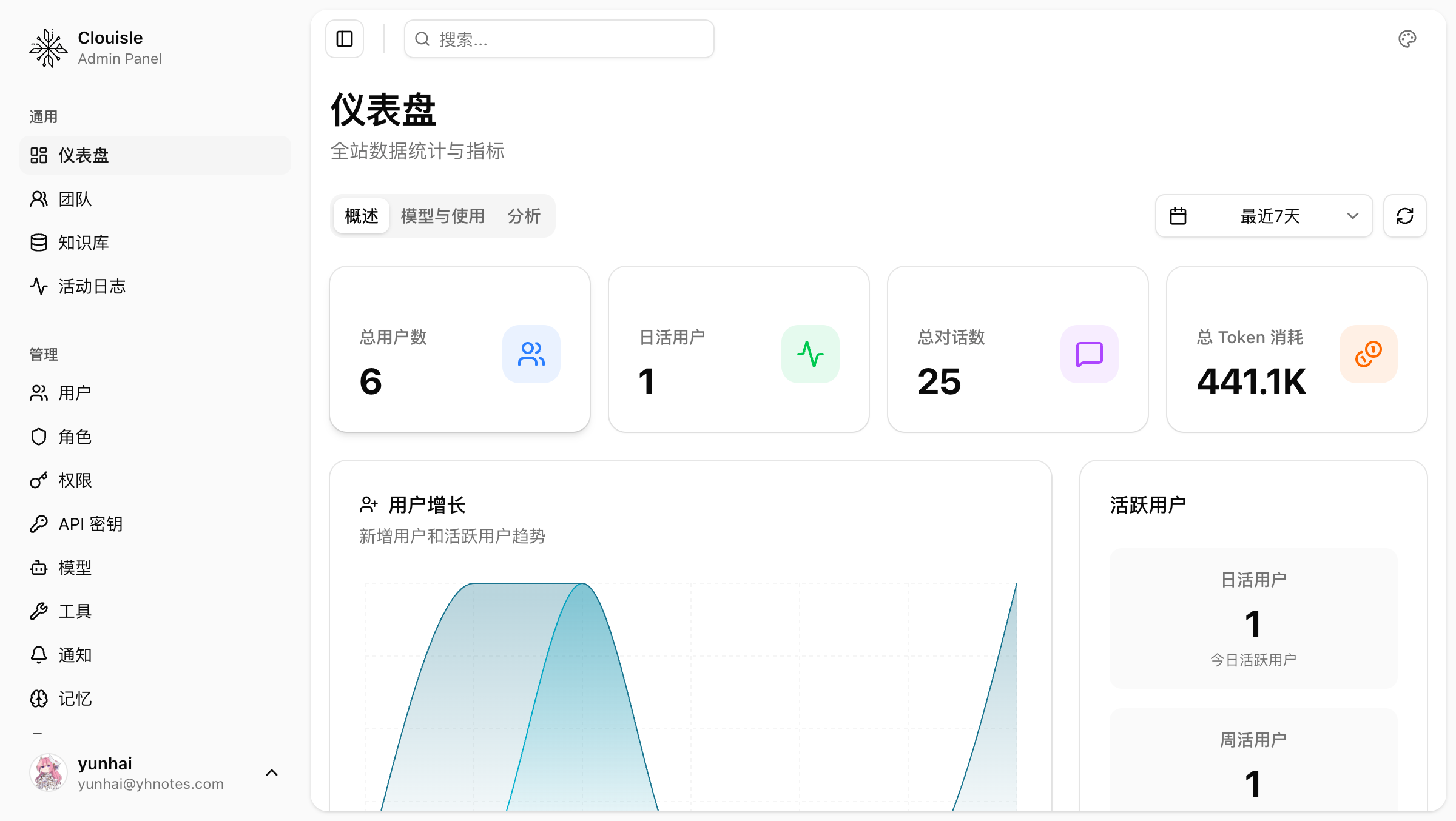
This step mainly helps you quickly determine the scale of the issue.
Step 2: Enter audit logs to locate key operations and responsible sources
When you need to trace “who did what”, look at audit logs first. Focus on these types of records:
- Login and security events
- Role and permission changes
- Deletion of users, teams, or key resources
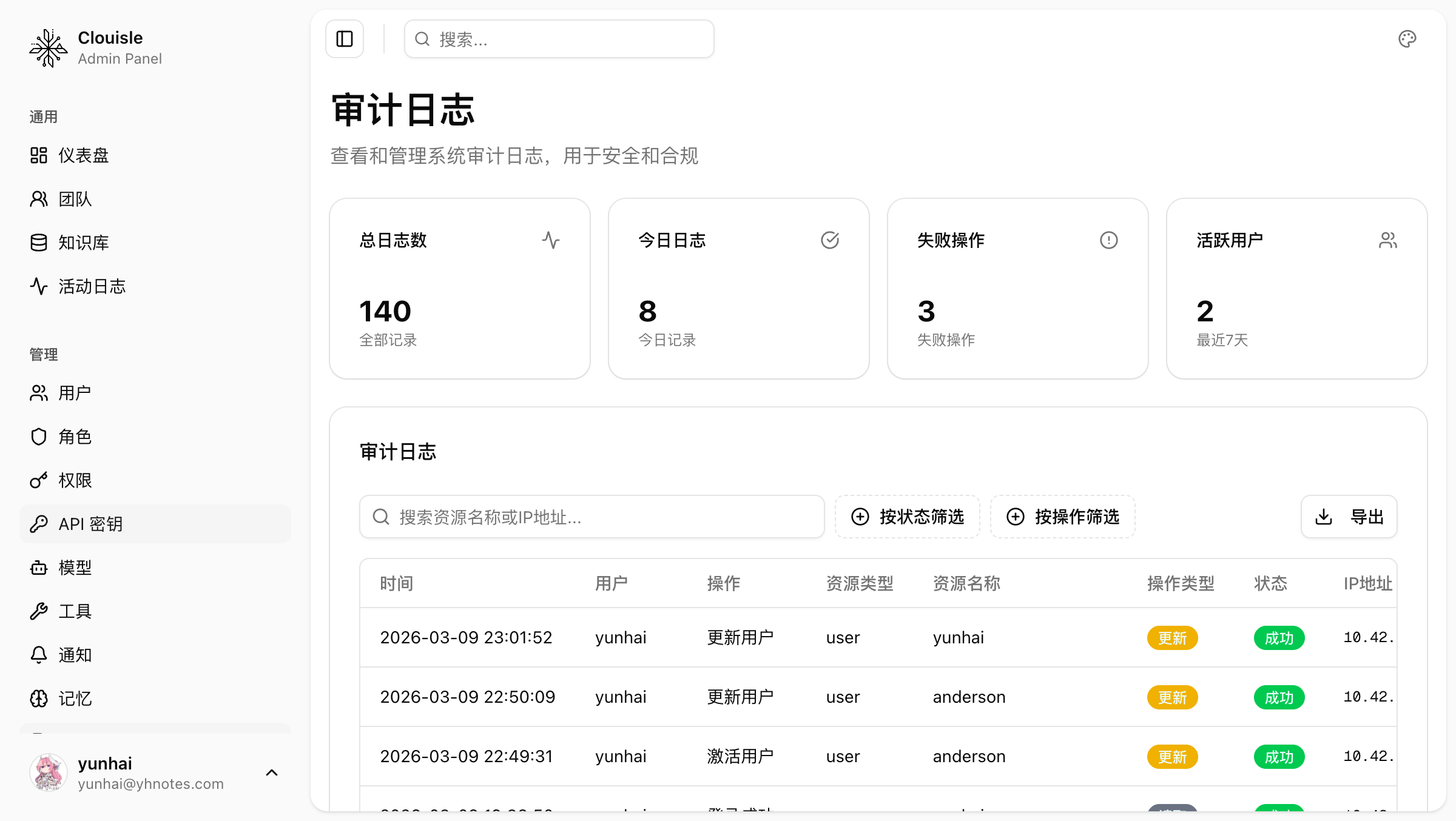
If you can locate a clear operator and time point here, it means the platform already has basic accountability capability.
Step 3: Check activity logs to complete the business context
Activity logs are better suited for understanding:
- What general activities have recently occurred on the platform
- What the platform's operating path looked like before and after an exception
- Whether the current issue is an isolated event or a continuous event
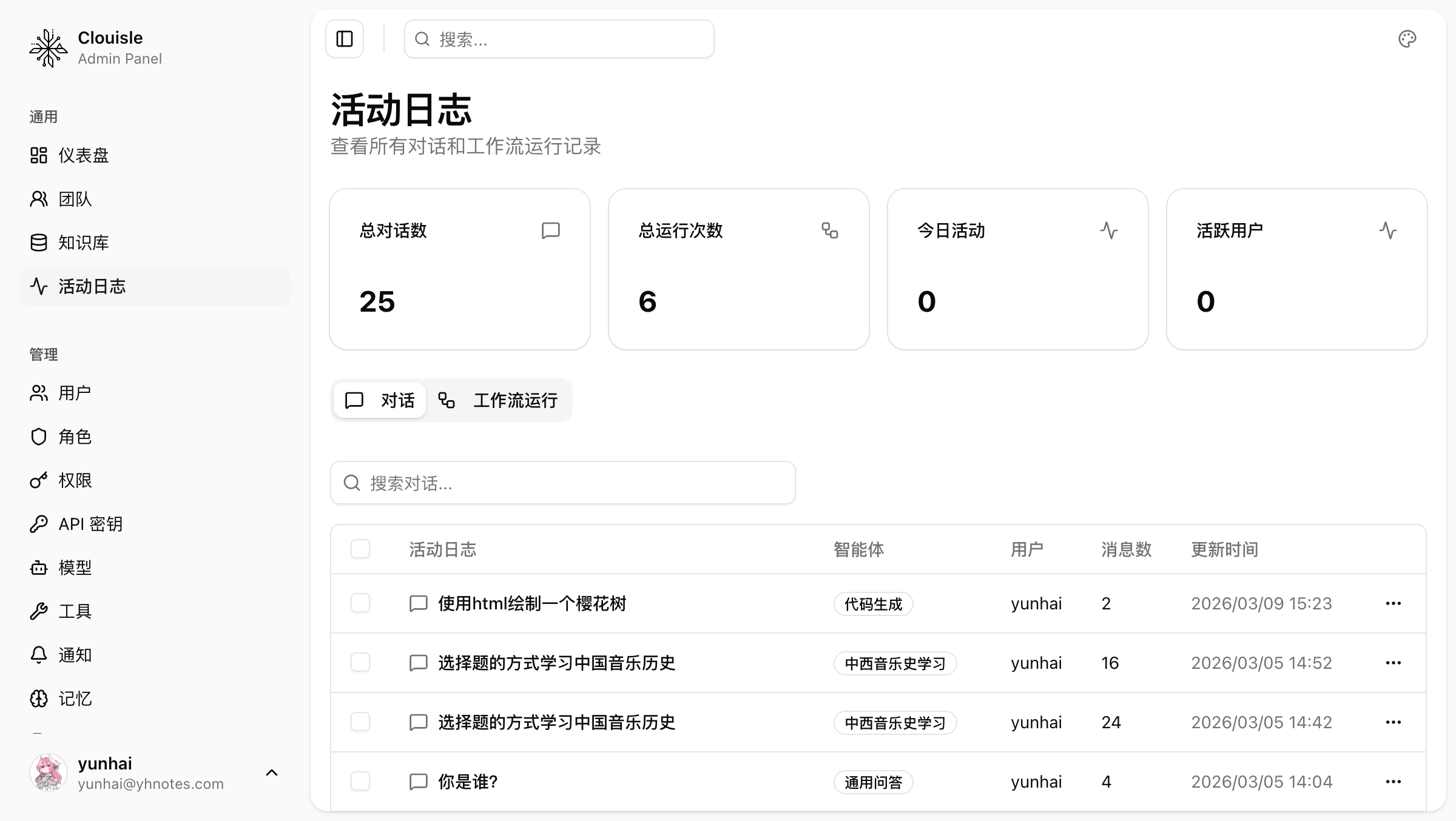
They usually do not replace audit logs, but are used to add context.
Step 4: Feed log conclusions back into governance actions
After you confirm the source of an exception, do not stop at “knowing who operated it”. You should also return to the relevant governance modules to continue handling it, such as:
- If permissions are too broad, return to roles and permissions
- If there are too many login exceptions, return to login and security policies
- If there are too many frequent failure events, return to notification or workflow governance
Step 5: Establish a regular inspection cadence
Audit and monitoring only become truly valuable when they become regular actions. We recommend establishing at least:
- Daily dashboard checks
- Weekly checks of key audit events
- Activity log reviews after important changes
Result Validation
An effective audit and monitoring system should at least meet these requirements:
- It can quickly distinguish global exceptions from local exceptions
- It can locate sources of key operations from audit logs
- It can supplement background information through activity logs
- It can feed conclusions back into governance adjustments
FAQ
Why did I check the dashboard but still not know where the issue is?
Because dashboards are suitable for viewing trends, not responsibility details. At this point, you should continue into audit logs instead of staying on the overview page.
Why can't audit logs and activity logs be used interchangeably?
They have different responsibilities:
- Audit logs are suitable for accountability and locating high-risk operations
- Activity logs are suitable for viewing operating paths and context
If they are mixed together, troubleshooting efficiency will drop significantly.
Why establish an inspection cadence even with logs?
Because logs can truly become governance tools only when they are continuously reviewed and used. Otherwise, they are only passively stored data.
Notes
- Check the overview first, then details, and do not reverse the troubleshooting order
- High-risk operations must be ensured to land in audit logs
- After discovering exceptions, feed conclusions back into permission, notification, or site policy adjustments