 Clouisle
Users, Roles, and Access Control
Establish platform access boundaries in the order of user organization, role layering, login methods, and programmatic access governance.
Feature Overview
Access control defines "who can enter the platform, what they can see, what they can operate, and how they can call the system". It covers both human users and program identities, and is the foundation for the platform to move from personal trial to multi-person collaboration.
Applicable Scenarios
This page is suitable when:
- The platform is preparing to open to more users
- You need to distinguish administrators, members, and read-only roles
- You need to provide API access for external systems
- You are preparing to connect enterprise SSO or two-factor authentication
Prerequisites
Before you start, we recommend preparing:
- A list of organizational roles
- A list of resource scopes, such as teams, Agents, knowledge bases, workflows, and models
- A list of programmatic calling scenarios
Operation Steps
Step 1: First Enter the Admin User Page and Confirm the Current Account Structure
The administrator first enters the Users page in the Admin Console and confirms how many users currently exist on the platform and what status they are in.
This step focuses on:
- Whether there are already many current users
- Whether there are obvious test accounts or duplicate accounts
- Which groups the subsequent role design needs to cover
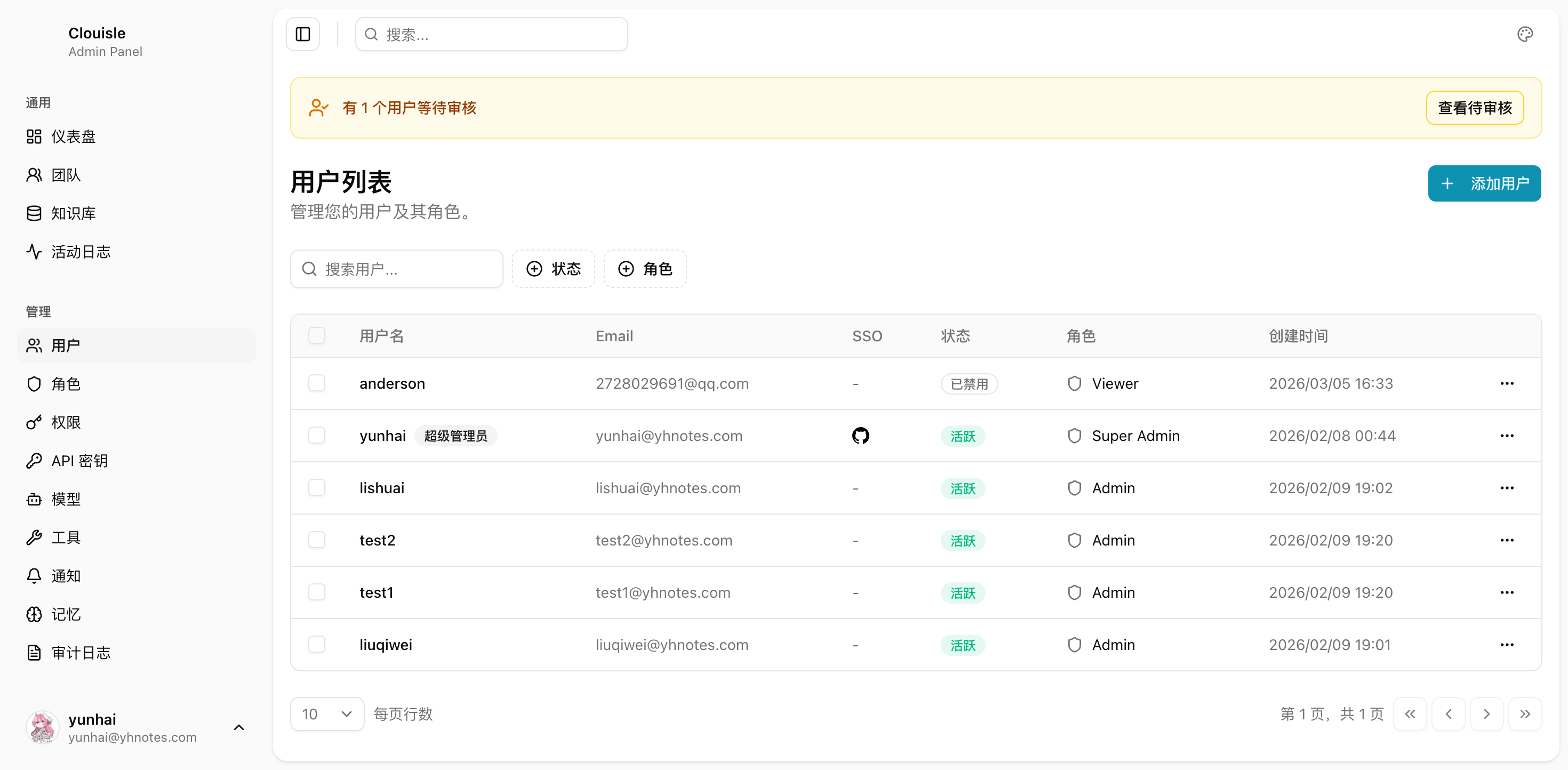
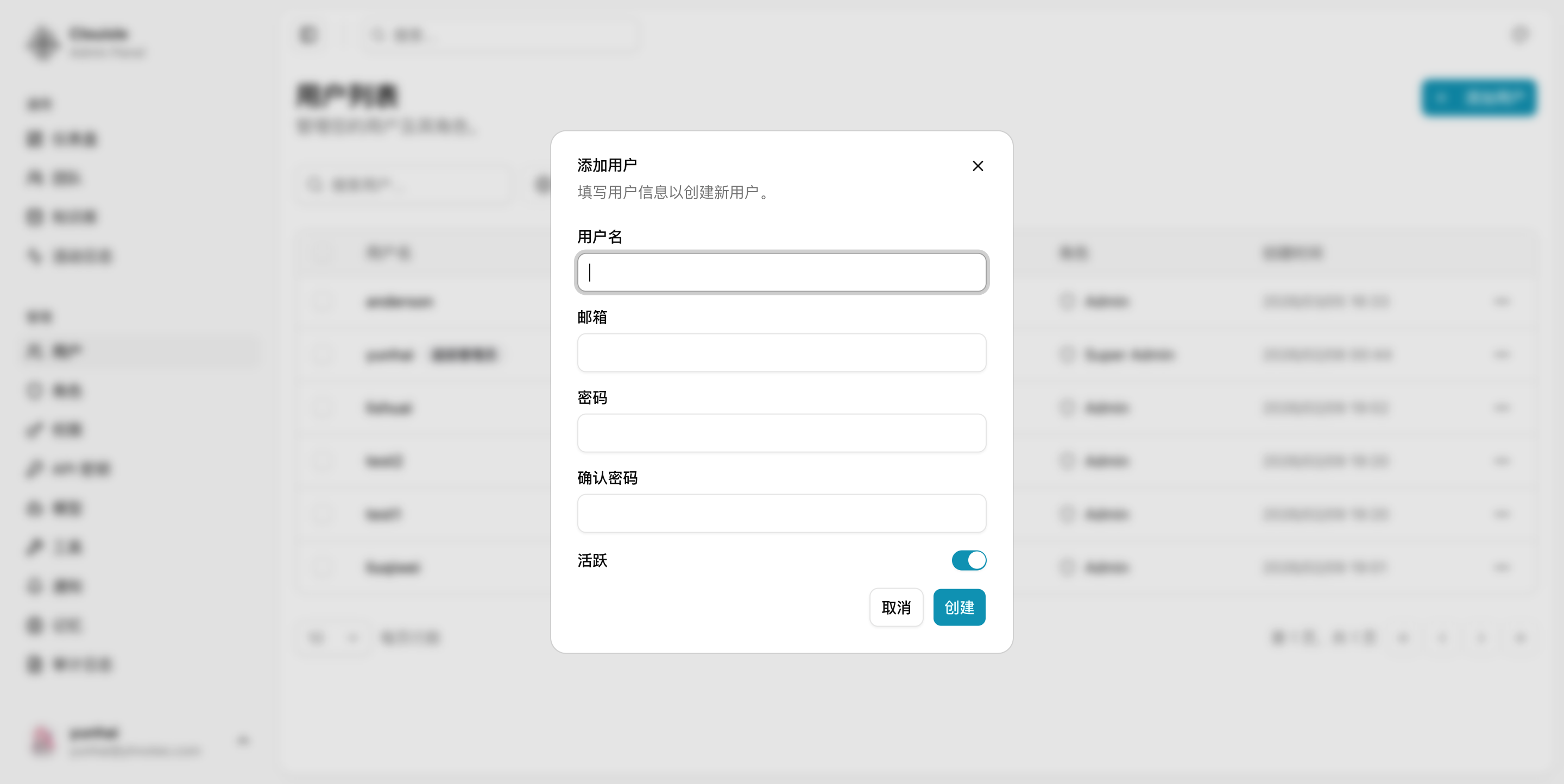
After completing this step, you should be able to determine whether the platform is still in the trial stage or has entered the multi-person collaboration stage.
Step 2: Then Sort Out Role Hierarchy Instead of Authorizing Users One by One
Next, enter the role-related pages and first divide users into several stable roles, such as:
- Platform administrator
- Team administrator
- Regular member
- Viewer
Do not design a separate permission combination for every person at the beginning. Otherwise, it will be almost impossible to maintain later.
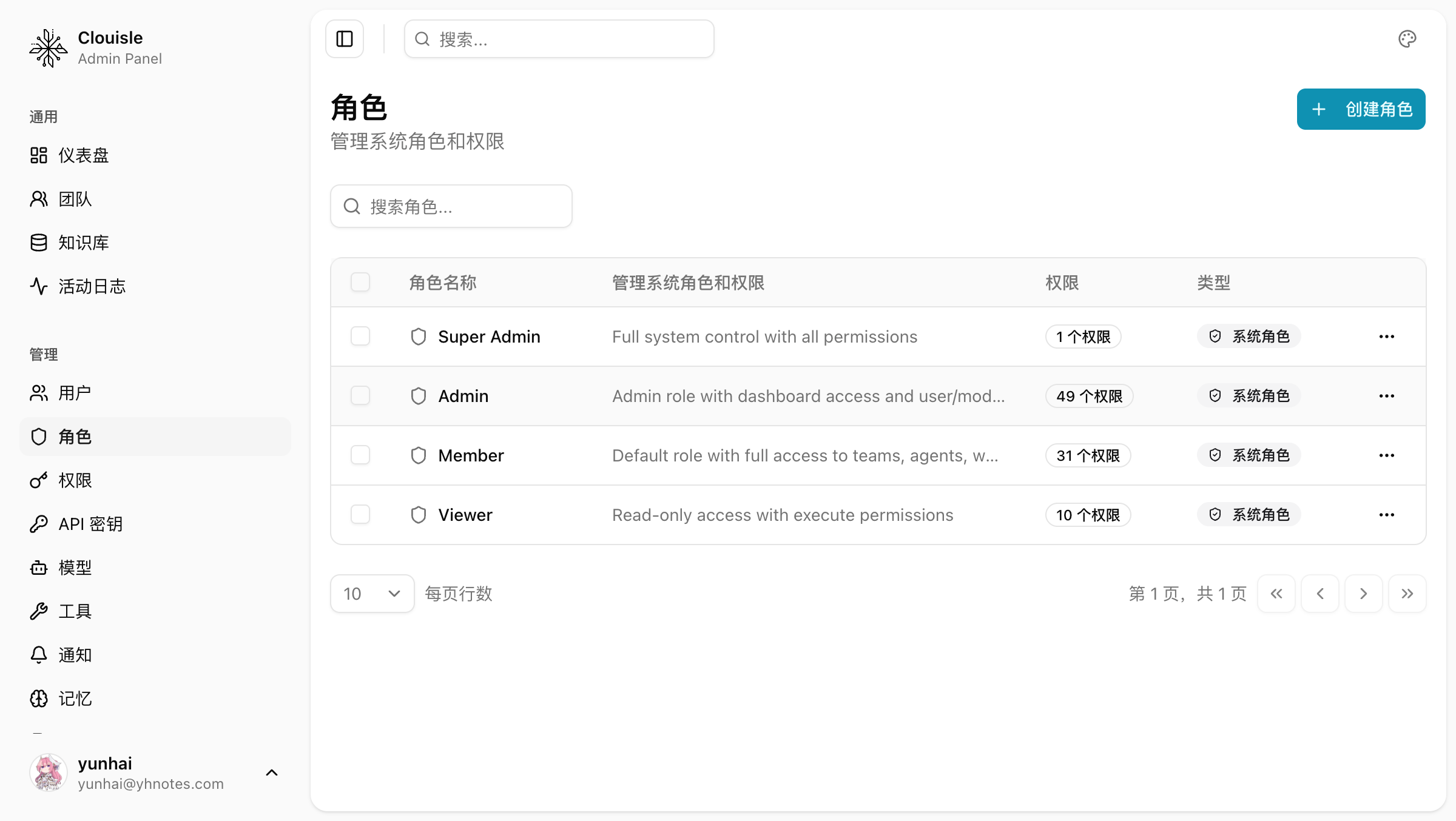
Step 3: Handle Login and Identity Sources Uniformly
After the role hierarchy is clear, decide the identity entrances:
- Whether local password login is allowed
- Whether TOTP is enabled
- Whether SSO is connected
The focus of this step is to make "login methods" and "role permissions" work together instead of configuring them independently.
Step 4: Finally Handle Programmatic Access Boundaries
If the platform needs to be called by external systems, create API Keys separately and tighten the scope. Programmatic calls should be treated as independent identities and should not reuse administrator or regular user accounts.
Step 5: Run One Regression Validation with Real Accounts
After users, roles, login methods, and programmatic access are all configured, we recommend preparing at least:
- One administrator test account
- One regular member test account
- One viewer test account
- One minimum-permission API Key
Verify separately what they can see and what they cannot do.
Result Validation
After access control is established, it should at least satisfy:
- Menus and operable scopes are clearly different after different roles log in
- Team members can only access resources within their assigned scope
- API Keys can only call capabilities within the authorized scope
- A secure administrator fallback entrance remains after login method changes
FAQ
Why Does the Platform Suddenly Become Difficult to Manage as Users Increase
Usually because no role hierarchy was established early on, and everyone was close to administrator permissions by default.
Why Should Programmatic Access and User Access Be Governed Separately
Because their responsibility boundaries are completely different. Program identities need to be revocable, rotatable, and auditable. They cannot be mixed into human accounts.
Why Should SSO, Passwords, and Roles Not Be Viewed Separately
Because how users enter the platform directly affects how they are authorized, how fallback works, and how audit is performed.
Notes
- Build the role model first, then do detailed authorization
- Do not let API Keys take on human account responsibilities
- Before enabling SSO or enforcing security policies, you must keep a fallback entrance