 Clouisle
Conversation and Message Management
Validate an Agent's real interaction experience in the order of creating conversations, viewing messages, and tracking tool and knowledge records.
Feature Overview
Conversation and message management carries the real interaction process between users and Agents. It not only displays reply content, but also records conversation titles, message versions, attachments, tool calls, and knowledge context.
Use Cases
Suitable for the following tasks:
- Validating the Agent's real user experience
- Reviewing historical conversations and variable values
- Troubleshooting knowledge hits, tool calls, or attachment handling issues
- Comparing answer changes before and after modifications
Prerequisites
Before you start, we recommend confirming:
- A usable Agent already exists
- If tool or knowledge hits are required, the related capabilities are already connected
- Several sets of real user inputs are ready
Steps
Step 1: Open the conversation page and start a real conversation
During testing, do not only enter "hello" or "who are you". Use the most realistic questions future users will ask to start a complete conversation.
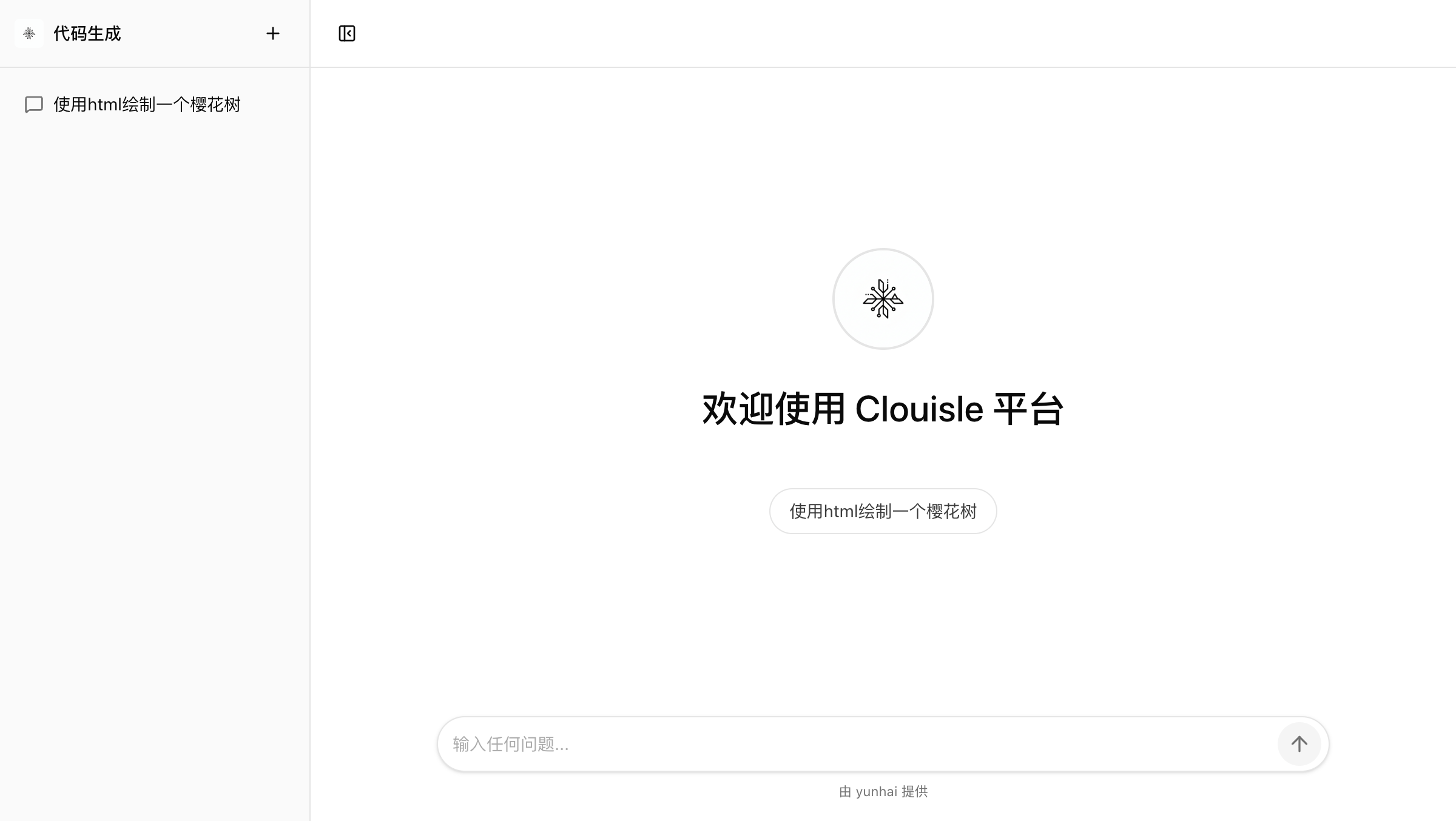
The goal of this step is to first confirm that the conversation entry itself is usable, not to analyze output quality immediately.
Step 2: Check whether conversation-level information is complete first
After starting a conversation, first confirm:
- Whether the conversation title is recognizable
- Whether the conversation is saved correctly
- Whether history can be reviewed when you enter again
If conversation-level information is not stable, later message tracing and operations will be difficult.
Step 3: Then check whether the message layer is clear
Next, check the messages themselves:
- Whether user messages and assistant messages are clearly distinguished
- Whether changes can be seen after regenerating
- Whether edited messages affect subsequent context
If the platform supports multi-version messages, this step is especially important.
Step 4: Check attachments, tools, and knowledge records
If this conversation involves:
- Image or file attachments
- Tool calls
- Knowledge base retrieval
You should further confirm:
- Whether attachments are displayed or processed normally
- Whether tool call records are complete
- Whether knowledge sources or context can be traced
Step 5: Run an additional validation round with abnormal questions
After normal question testing passes, add another round of abnormal input testing, such as:
- Questions with incomplete information
- Ambiguous questions
- Questions outside the capability scope
This step helps you confirm whether the Agent will answer randomly in real use, or whether it can ask follow-up questions.
Result Validation
A conversation experience ready for use should meet at least these criteria:
- Conversations can be created and saved normally
- Historical messages can be reviewed
- Tool and knowledge records are sufficient for troubleshooting
- Abnormal input does not directly cause unsupported answers
FAQ
Why does the answer look inaccurate, but I cannot say where the problem is?
We recommend checking separately:
- Whether the conversation retained the correct context
- Whether the tool was actually called
- Whether knowledge actually hit the correct content
Why are message records so important?
Because if you only look at the final answer, it is hard to know whether the problem is in the model, knowledge, or tools. Messages and call records are the most direct evidence during troubleshooting.
Why test abnormal input separately?
Normal questions only prove that the "ideal case works". They do not prove whether the system is stable with real user input.
Notes
- Validate the conversation flow first, then analyze answer quality
- When results are abnormal, review messages and call records first
- User-visible content and system debugging information should be shown in separate layers as much as possible